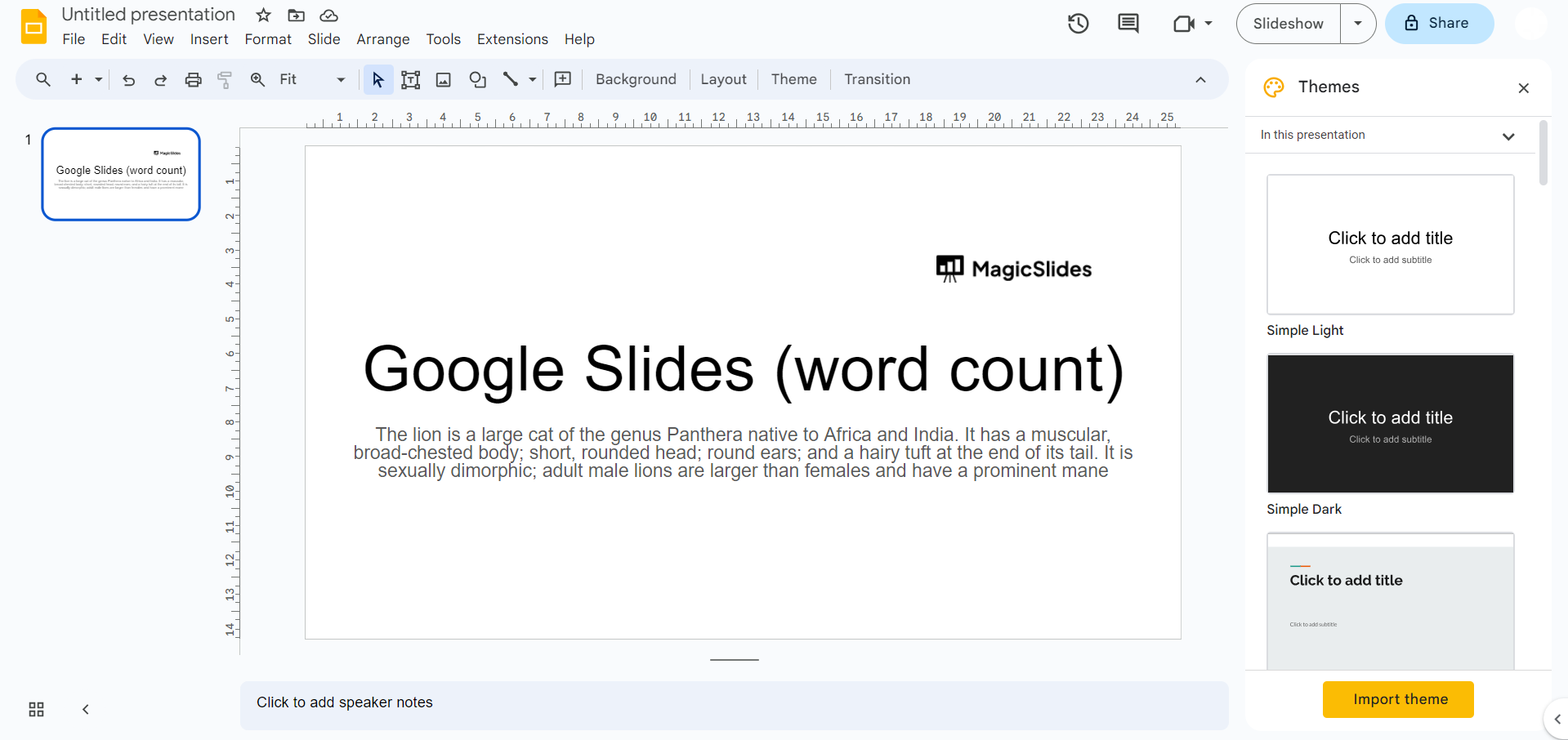
Step 1: Copy Slide Text:
- Select all the text on a slide by clicking and dragging your cursor over the text.
- Copy the selected text using Ctrl+C (Windows/Linux) or Command+C (Mac).
Step 2: Paste into Google Docs:
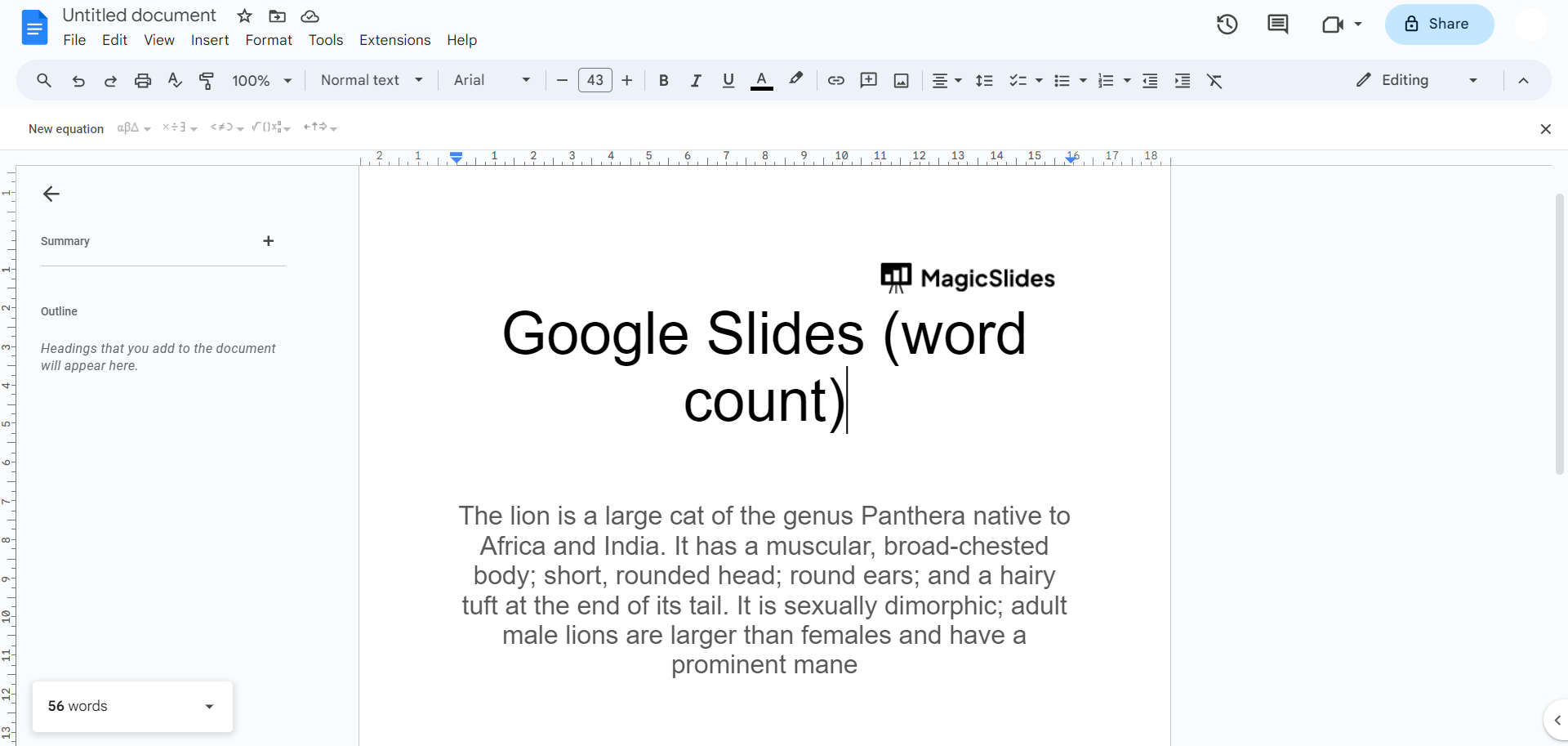
- Open a new Google Docs document.
- Paste the copied text using Ctrl+V (Windows/Linux) or Command+V (Mac).
Step 3: View Word Count in Google Docs:
- In Google Docs, you can see the word count in the bottom left corner of the document. This count will include the words you copied from the slide.

Step 4: Repeat for Other Slides:
- Repeat the process for each slide you want to count the words for.
Leave a Reply