How to Add a Spotify Song to Canva for Free
Adding music to your Canva designs can enhance engagement and create a more immersive experience.
While Canva doesn’t directly support Spotify integration, you can still add a Spotify song to your design using a simple workaround.
Follow this step-by-step guide to embed a Spotify song into Canva for free.
https://www.guidejar.com/embed/c0c8dcb1-dbe0-41f0-b690-5e973e529d67?type=1&controls=on
Steps to Add a Spotify Song to Canva for Free
Step 1: Open Spotify and Find Your Song
Go to Spotify and log in to your account. Search for the song you want to add to your Canva design.
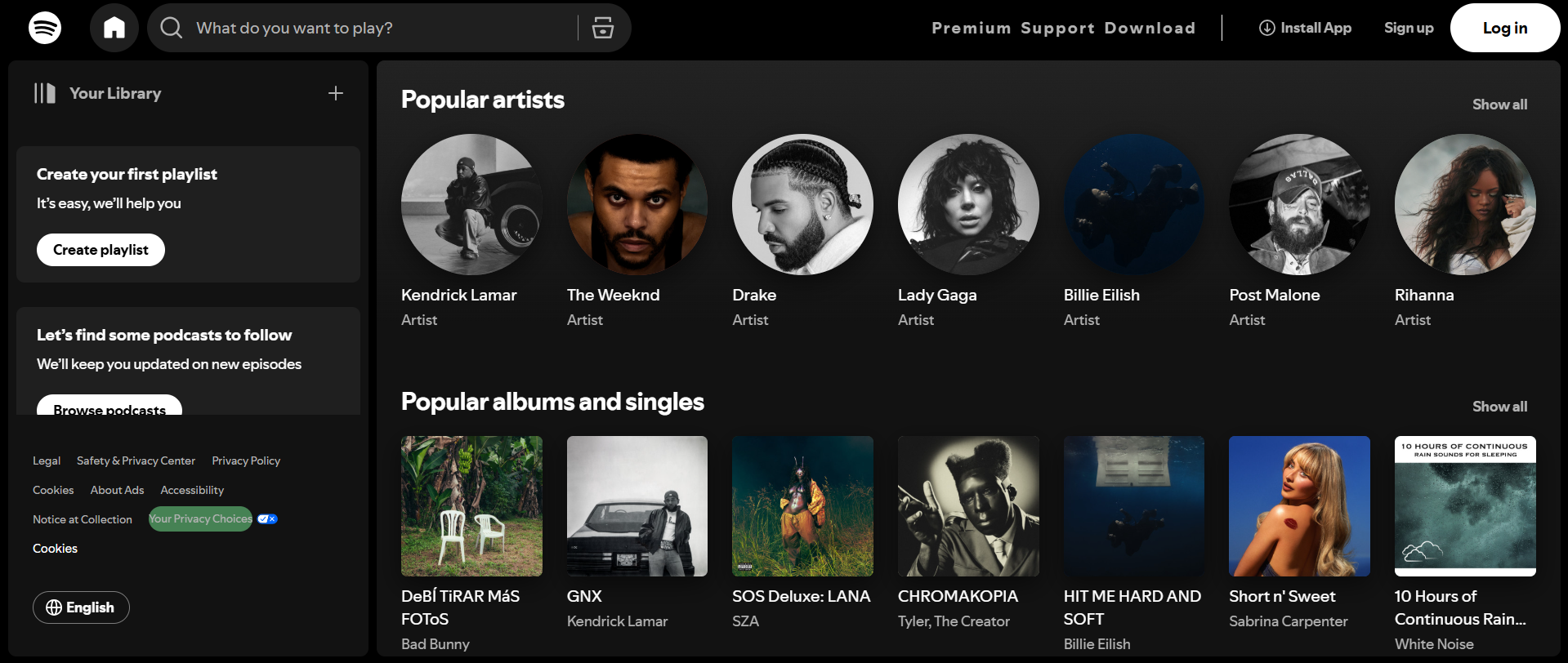
Click on the three-dot menu (⋮) next to the song.
Step 2: Copy the Spotify Song Link
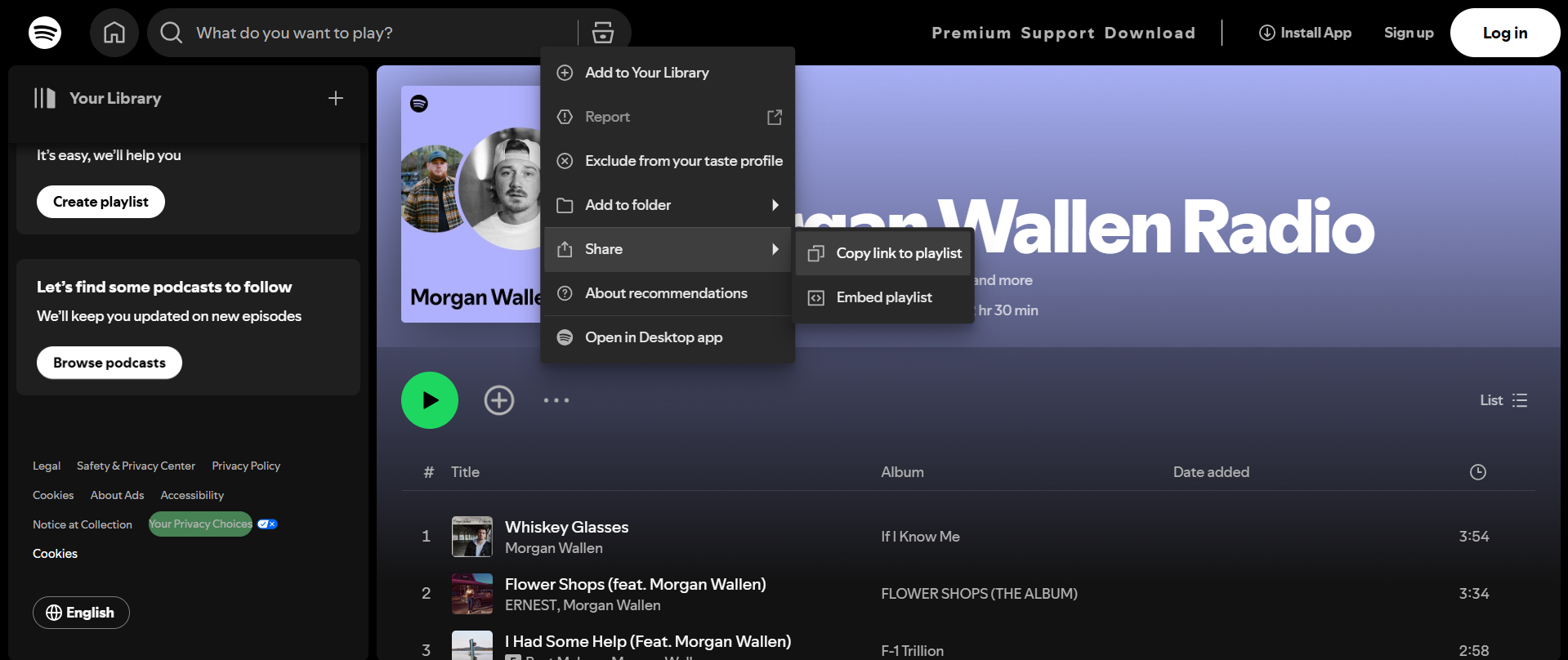
From the menu, select Share > Copy Song Link. This will copy the direct URL of the song to your clipboard.
Step 3: Open Canva and Create Your Design
Visit Canva.com and log in.
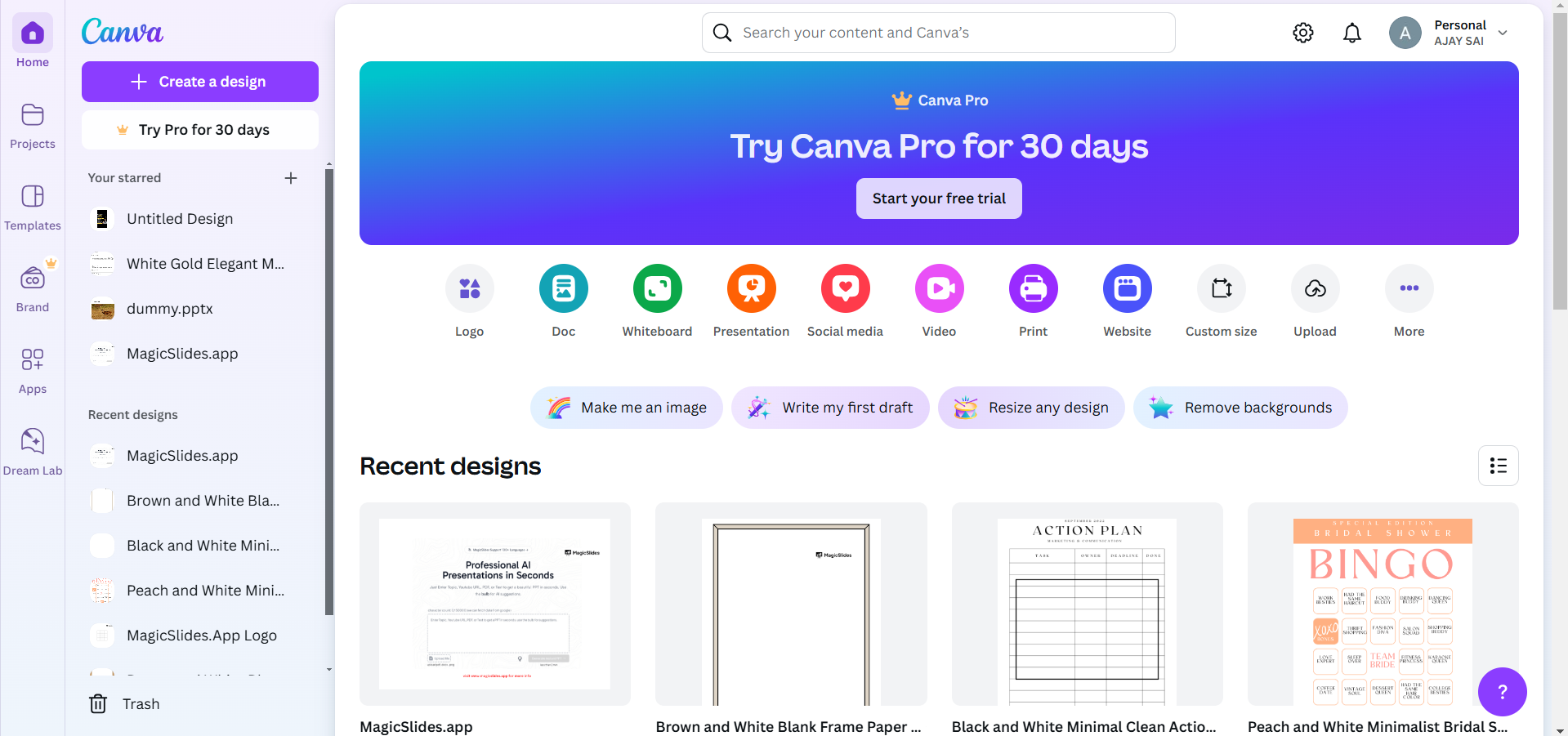
Click Create a design and choose the format you need (e.g., presentation, social media post, or video).
Step 4: Add the Spotify Song Link to Your Design
Select a button, text, or image where you want to add the link.
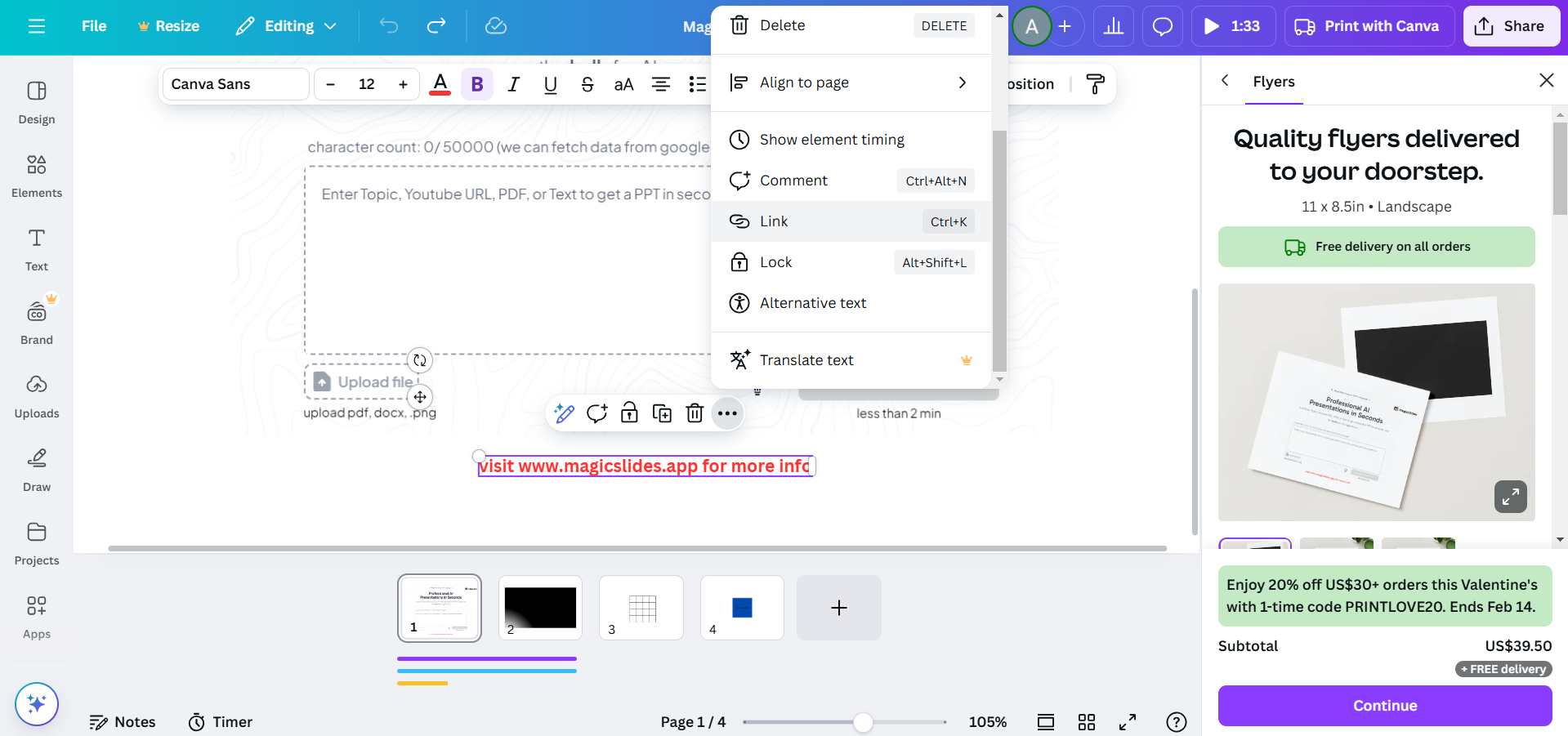
Click on the Link icon (🔗) in the top toolbar. Paste the copied Spotify song link and press Apply.
Step 5: Share or Download Your Design
If sharing your design online, viewers can click the link to play the song on Spotify.
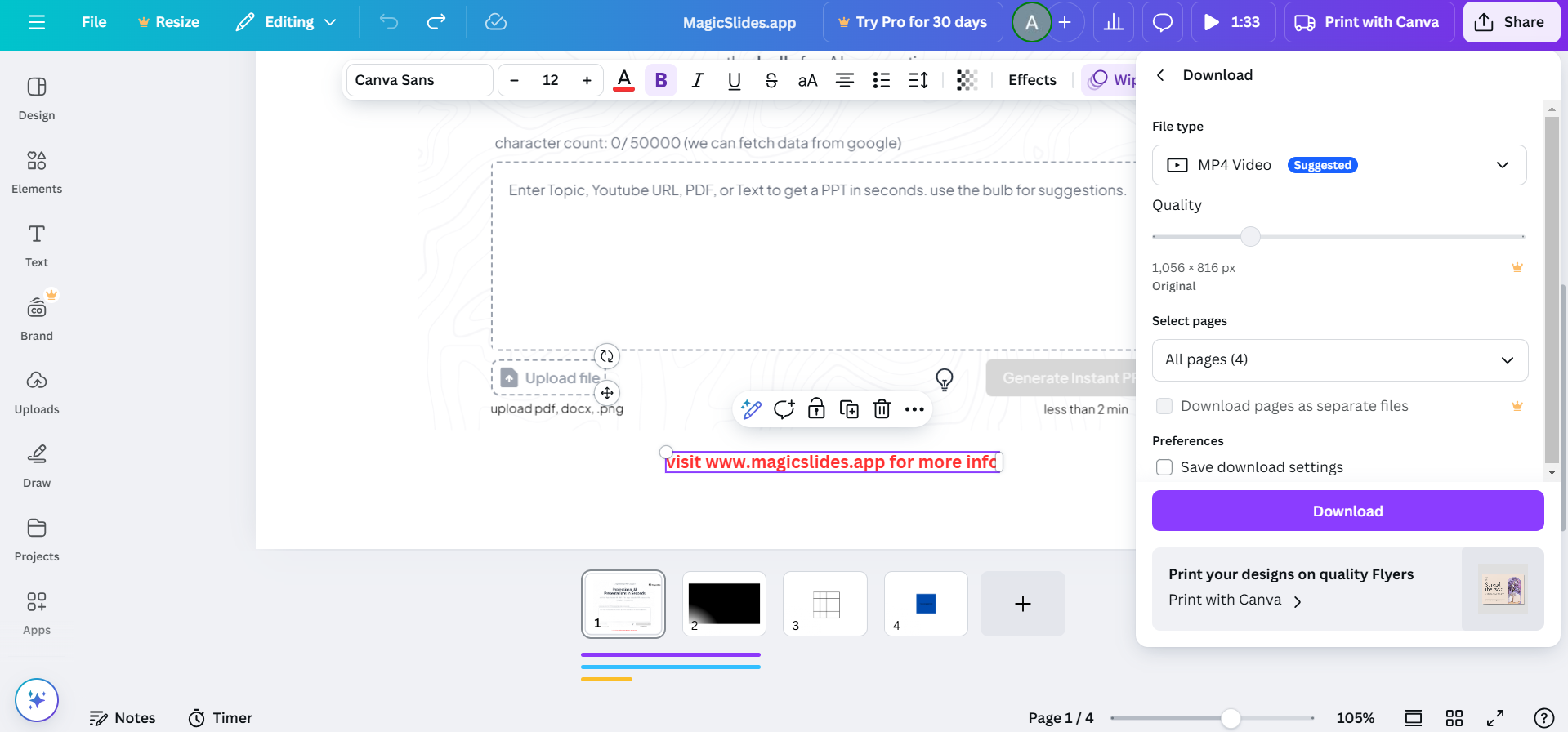
If downloading as a PDF, ensure the links remain clickable for easy access.
Adding a Spotify song to Canva can enhance your designs, but if you need to create full AI-powered presentations with engaging visuals and structure, check out MagicSlides.app generate professional slides in seconds!
Conclusion
While Canva does not directly integrate Spotify, adding a song link allows viewers to access and play music seamlessly.
This simple method enhances your design by providing an engaging audio experience.
FAQs on Adding Spotify Songs to Canva
Can I directly upload Spotify songs to Canva?
No, Canva does not support direct uploads of Spotify songs, but you can add a clickable link.
Will the Spotify song play automatically in Canva?
No, users must click the link, which will open the song in the Spotify app or web player.
Can I add music to Canva without Spotify?
Yes, Canva provides a built-in Audio library with free and premium music tracks you can use.
Now you can add music to your Canva designs effortlessly! 🎵🚀
Leave a Reply