Creating compelling presentations is a vital skill in today’s digital age. Whether you are a student, a professional, or a business owner, the right digital presentation tools can make a world of difference in how your ideas are received.
The market offers a variety of tools, each designed to simplify and enhance the process of creating engaging presentations. Here’s a comprehensive look at the top 7 digital presentation tools you should know, with a detailed spotlight on MagicSlides.app.
1. MagicSlides.app: The Game-Changer in Digital Presentations
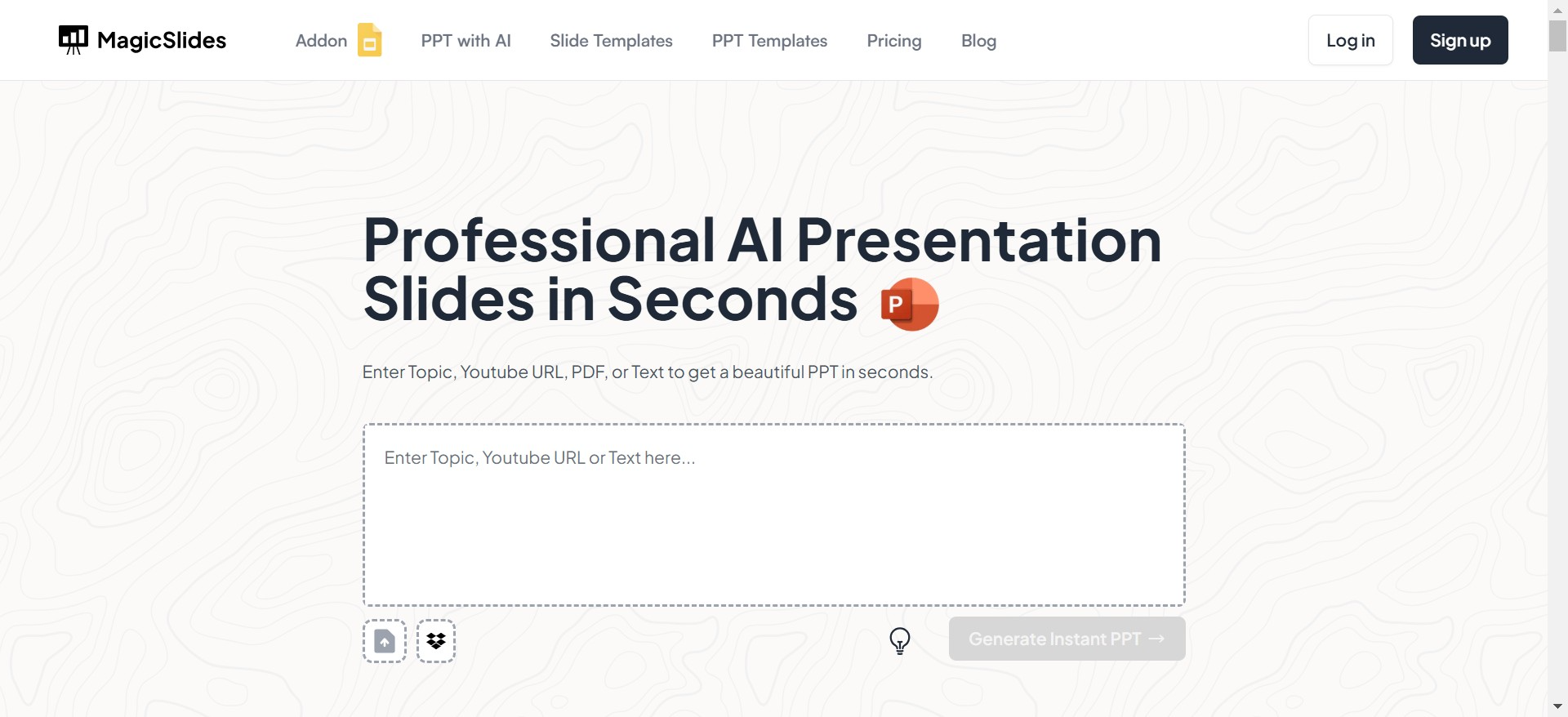
When it comes to creating presentations quickly and effectively, MagicSlides.app stands out as the ultimate choice. This tool leverages AI technology to create professional-quality presentations in seconds. It’s ideal for anyone who wants to save time while maintaining high standards of visual appeal and content quality.
Steps to Use MagicSlides.app
https://www.guidejar.com/embed/c65bfdfd-a48a-483f-9623-9e95c54d86e1?type=1&controls=on
- Visit MagicSlides.appOpen your browser and navigate to MagicSlides.app.
- Enter Your TopicInput the topic of your presentation into the designated field.
- Click “Generate Instant Presentation”MagicSlides will start working its magic by analyzing your topic.
- Select Slide Theme and Number of SlidesChoose from various themes and specify how many slides you want.
- Click GenerateSit back as the tool crafts a sleek, professional PowerPoint for you.
- Download Your PresentationYour polished presentation is now ready to impress your audience.
Why Choose MagicSlides.app?
- AI-Powered: Generates relevant content and layouts instantly.
- Customizable: Choose themes, styles, and formats to match your needs.
- User-Friendly: Requires no design expertise or prior experience.
- Time-Saving: Perfect for professionals with tight deadlines.
Pros and Cons
| Pros | Cons |
|---|---|
| AI-powered for instant creation | Premium features may require payment |
| Time-saving and efficient | |
| User-friendly interface | |
| High-quality templates | |
| Great for tight deadlines |
2. Canva
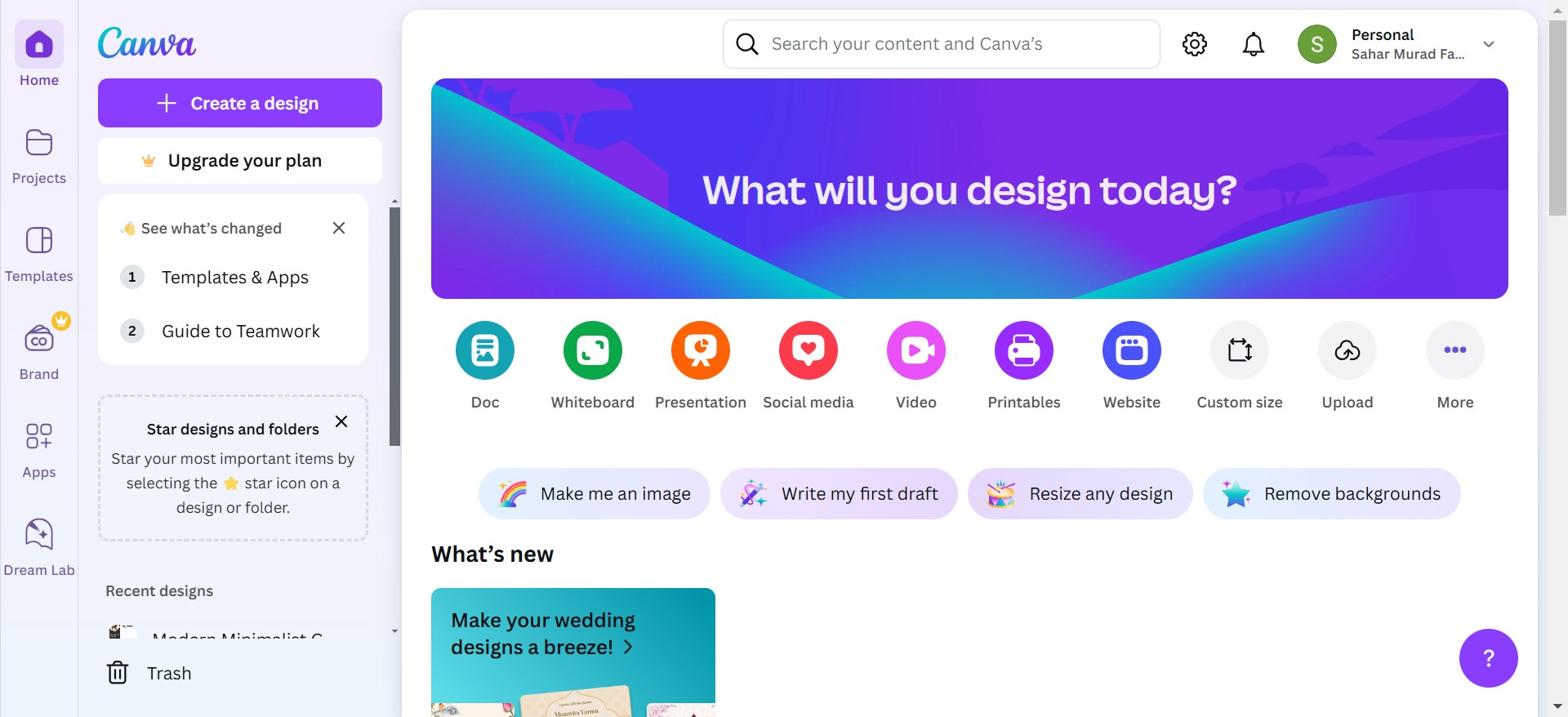
Canva is another fantastic tool for creating visually appealing presentations. It offers drag-and-drop features, customizable templates, and a vast library of graphics.
Best Features:
- Pre-designed templates for different themes.
- Collaboration options for team projects.
- Access to stock images, fonts, and icons.
Ideal For: Beginners and users focused on aesthetics.
Pros and Cons of Canva
| Pros | Cons |
|---|---|
| Drag-and-drop interface | Limited functionality in free plan |
| Huge library of templates and media | Requires a learning curve for complex designs |
| Collaboration-friendly | May lack advanced animation features |
| Highly customizable | Can be time-consuming for beginners |
3. Microsoft PowerPoint
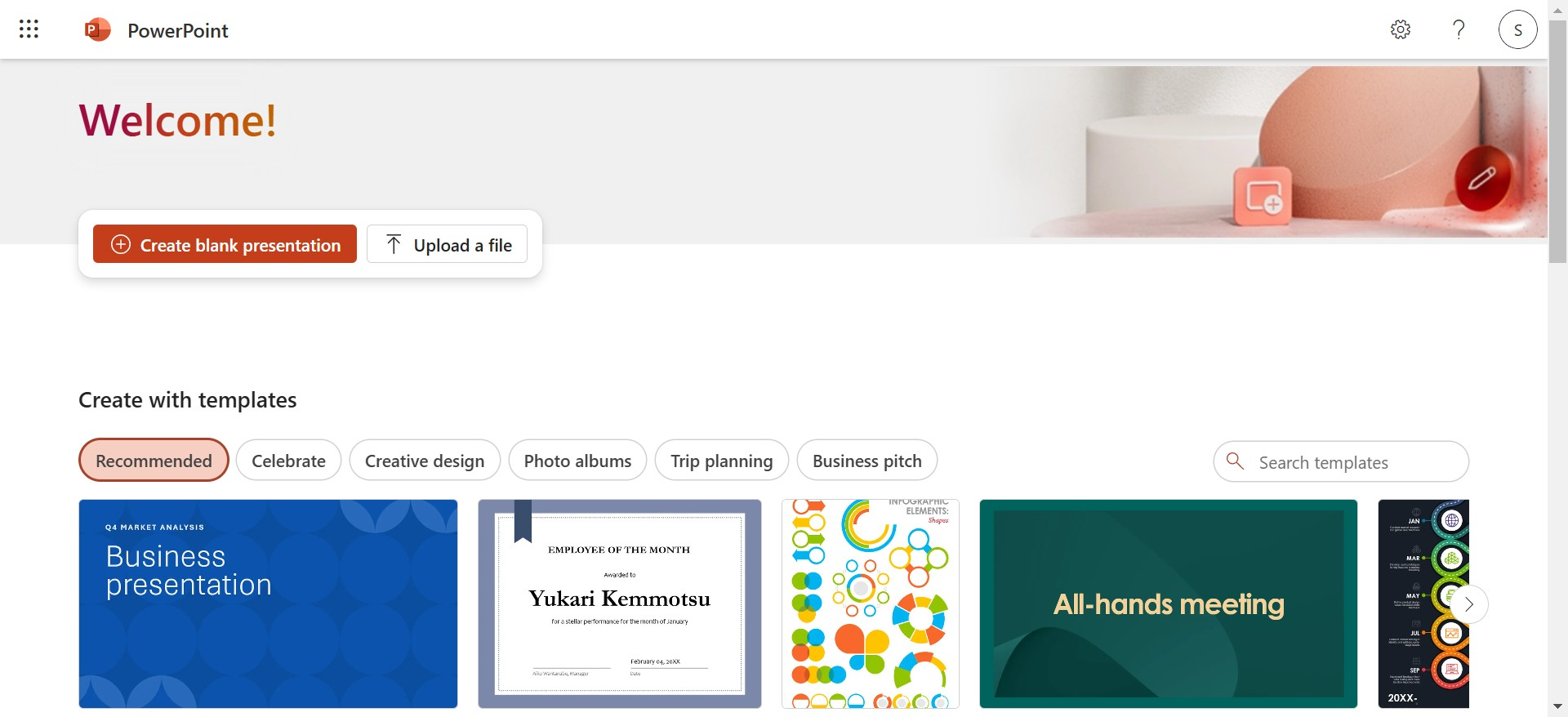
Microsoft PowerPoint is a classic tool that continues to be a favorite for many. It provides robust functionality, making it perfect for creating detailed and custom presentations.
Best Features:
- Extensive customization options.
- Ability to add multimedia elements.
- Compatibility with various devices.
Ideal For: Corporate professionals and detailed presentations.
Pros and Cons of Microsoft PowerPoint
| Pros | Cons |
|---|---|
| Robust features for customization | Requires a paid subscription |
| Offline and online accessibility | Can be overwhelming for beginners |
| Supports multimedia integration | Designs can feel outdated without effort |
| Compatibility with other Office apps | Requires more time for design |
4. Google Slides
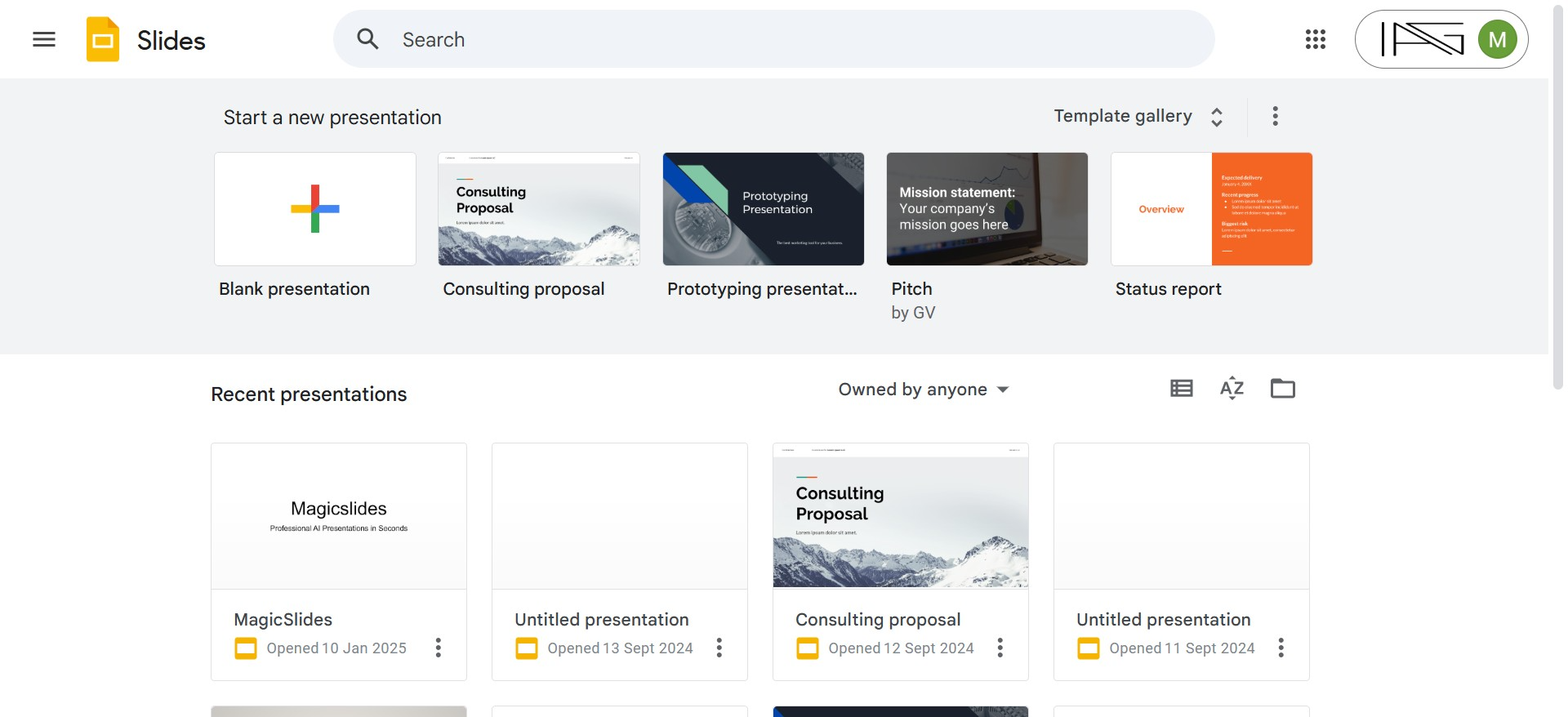
Google Slides is a free, web-based presentation tool that’s perfect for collaborative projects. Its integration with Google Workspace makes it seamless for sharing and editing.
Best Features:
- Real-time collaboration.
- Cloud-based for easy access.
- Integration with Google Sheets and Docs.
Ideal For: Team projects and remote collaboration.
Pros and Cons of Google Slides
| Pros | Cons |
|---|---|
| Free to use | Limited advanced design options |
| Real-time collaboration | Requires internet access |
| Cloud-based for easy access | Fewer templates compared to competitors |
| Integration with Google tools | Basic animations and transitions |
5. Prezi
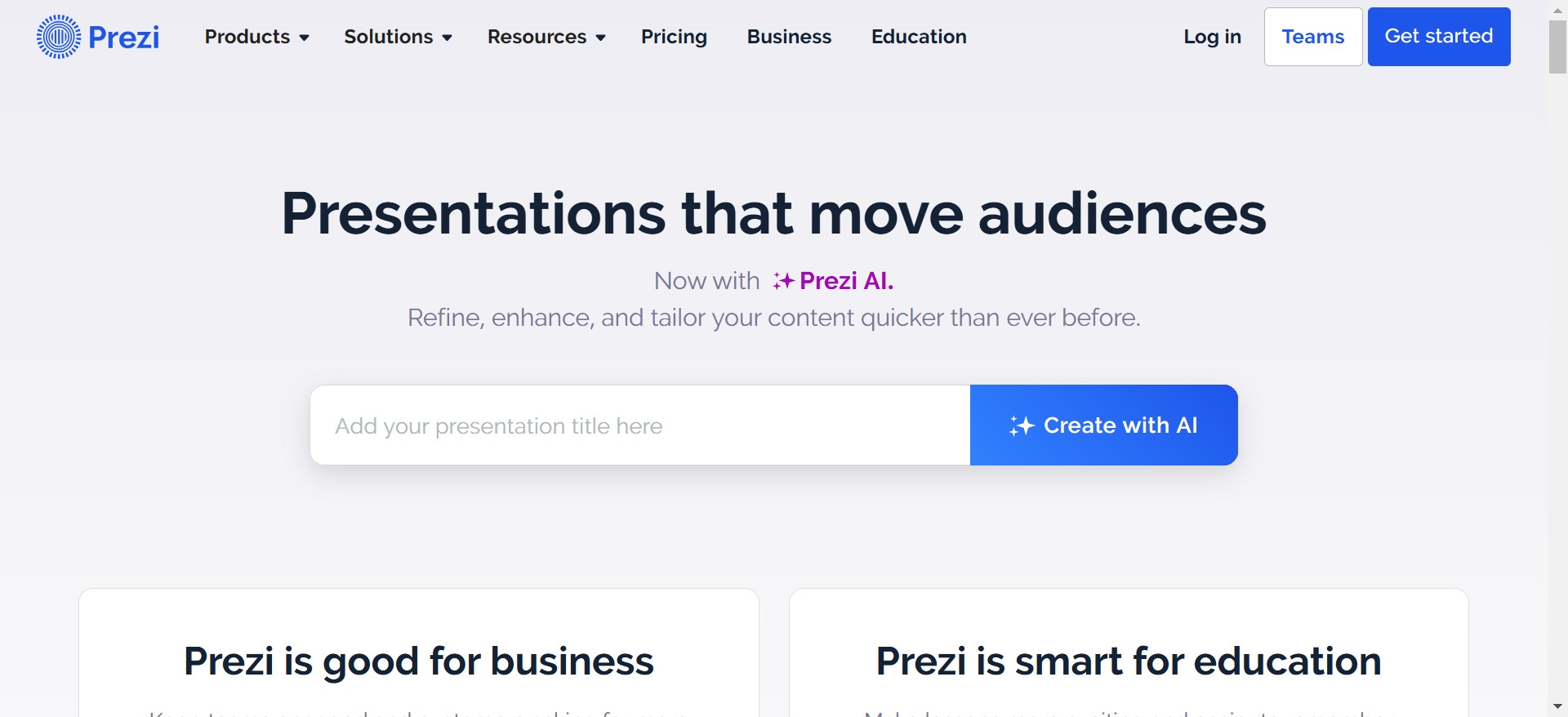
Prezi stands out for its unique zoomable interface that lets you create non-linear, dynamic presentations. This tool is perfect if you want to break free from traditional slide formats.
Best Features:
- Zoom and pan effects for engaging storytelling.
- Templates designed for various industries.
- Viewer analytics to track engagement.
Ideal For: Storytelling and interactive presentations.
Pros and Cons of Prezi
| Pros | Cons |
|---|---|
| Interactive zoom and pan features | Learning curve for new users |
| Suitable for storytelling | Can be time-intensive to design |
| Engages audiences effectively | Free plan has limited features |
| Analytics to track engagement | Not suitable for linear presentations |
6. Slidebean
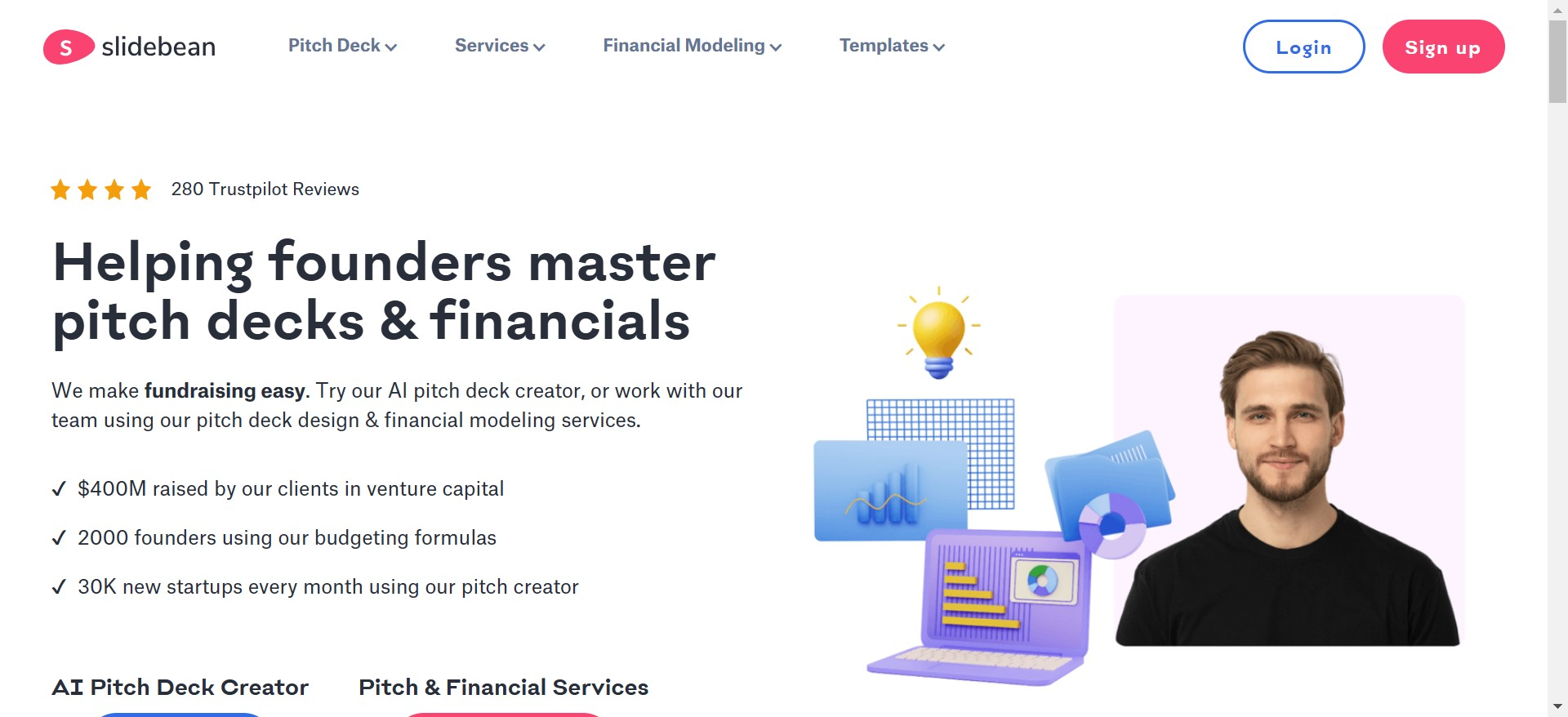
Slidebean uses AI to help you create presentations quickly and efficiently. It’s particularly useful for startups and businesses pitching to investors.
Best Features:
- Automated design suggestions.
- Financial modeling tools for business presentations.
- Analytics to track presentation performance.
Ideal For: Entrepreneurs and business professionals.
Pros and Cons of Slidebean
| Pros | Cons |
|---|---|
| AI-powered design suggestions | High cost for premium features |
| Templates for business presentations | Limited flexibility for custom designs |
| Analytics for tracking viewer behavior | May not suit non-business use cases |
| Easy to use |
7. Zoho Show
Zoho Show is a cloud-based tool offering a range of features to create, edit, and present slideshows. Its smooth interface makes it a great option for professionals.
Best Features:
- Integration with Zoho apps and third-party platforms.
- Templates tailored to different industries.
- Option to broadcast presentations live.
Ideal For: Professionals and teams using the Zoho ecosystem.
Pros and Cons of Zoho Show
| Pros | Cons |
|---|---|
| Cloud-based | Limited advanced design features |
| Easy collaboration and sharing | Requires Zoho account |
| Integrates with other Zoho apps | Fewer templates than some competitors |
| Live broadcasting option | Can be less intuitive for new users |
Why Digital Presentation Tools Matter
Using the right digital presentation tools can transform your presentations from ordinary to extraordinary. Tools like MagicSlides.app lead the way by simplifying the process, saving time, and ensuring a polished final product. Whether you’re pitching an idea, teaching a class, or sharing updates in a meeting, these tools can make your presentations more effective and memorable.
Conclusion
The right tool can elevate your presentation game, saving you time and ensuring a lasting impression. Among the top contenders, MagicSlides.app takes the crown for its AI-driven simplicity and efficiency. However, each of the tools mentioned above has its unique strengths, so choose the one that best suits your needs. Happy presenting!
Leave a Reply